
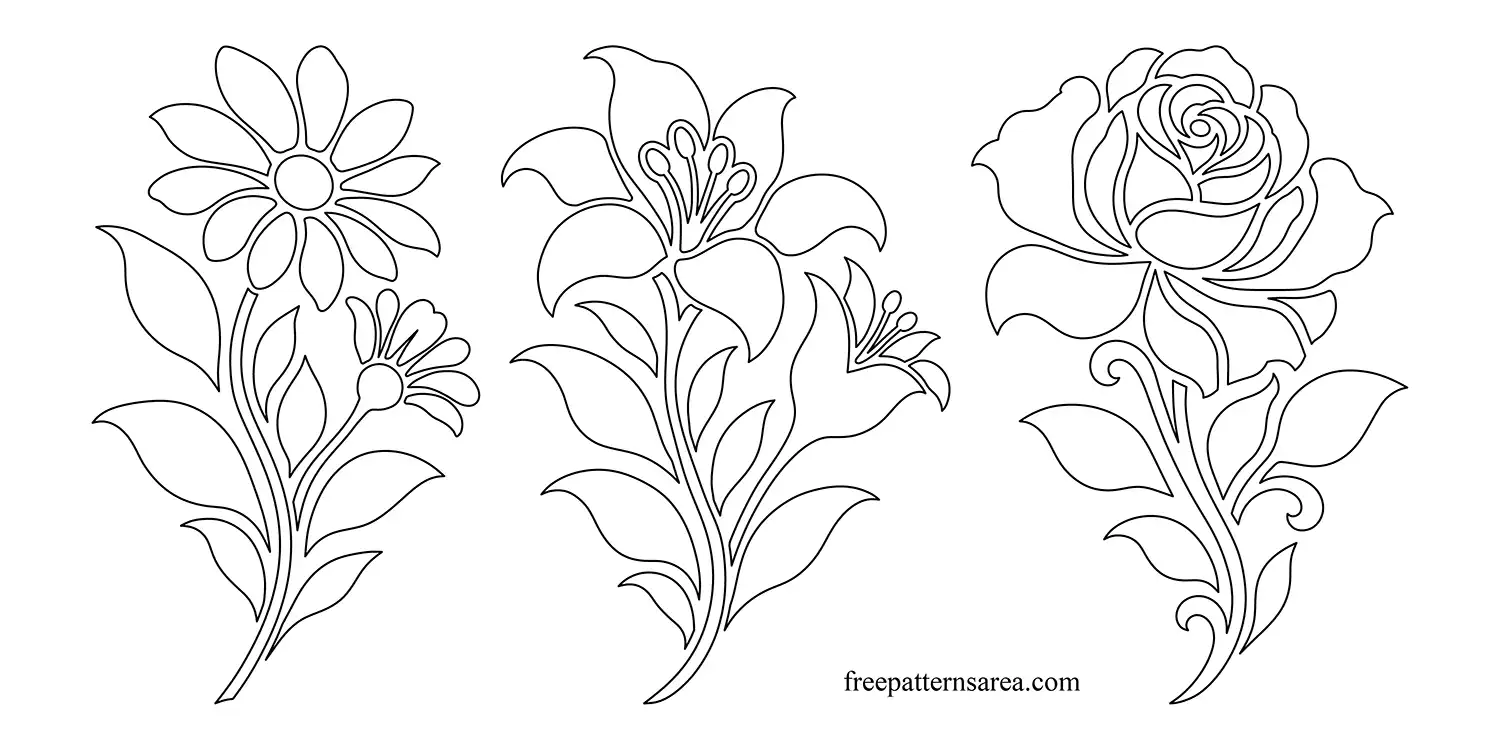
These daisy, lily and rose designs are supplied as unfilled vector outlines for CorelDRAW. Download the free flower CDR file to arrange the motifs, apply colors or prepare a floral stencil layout.
For a greeting card, place one flower beside your message and add fills to the enclosed petals and leaves. I like to leave room around the stem so the flower and the words remain easy to read. You can keep a single-color treatment or choose different colors for the flower head and foliage.
For a paint stencil, the enclosed flower shapes represent the openings to cut from the stencil sheet. Each motif also has a version with an outer contour, which provides a separate boundary around the complete flower. You can use that version when planning a flower-shaped decoration with printed or engraved details.
Download the Free Daisy, Lily and Rose CDR Designs
The download contains one CorelDRAW document with all six arrangements on one page:
- Three flower stencil designs.
- Three versions with an outer contour.
- Unfilled vector line drawings.
Download the CDR file and open it in CorelDRAW. Copy your chosen flower version onto your working page, set its size and adjust the fills or outlines for the card, stencil or decoration you want to make.
Looking for other formats of this design? Our full collection includes SVG, PDF, DXF, DWG, PNG, STP and STL files. You can access them all on the main collection page.
License and Usage
These files are licensed under CC BY-NC-SA 4.0 for strictly personal, non-commercial use.
You are free to download, cut, and modify these designs for your personal projects. However, you may not sell the digital files or any physical products manufactured from them. If you share a modified version of this design, you must credit FreePatternsArea and distribute it under this exact same license.
Unauthorized redistribution, reproduction, or commercial exploitation of these files is a violation of intellectual property rights and may result in legal action.