
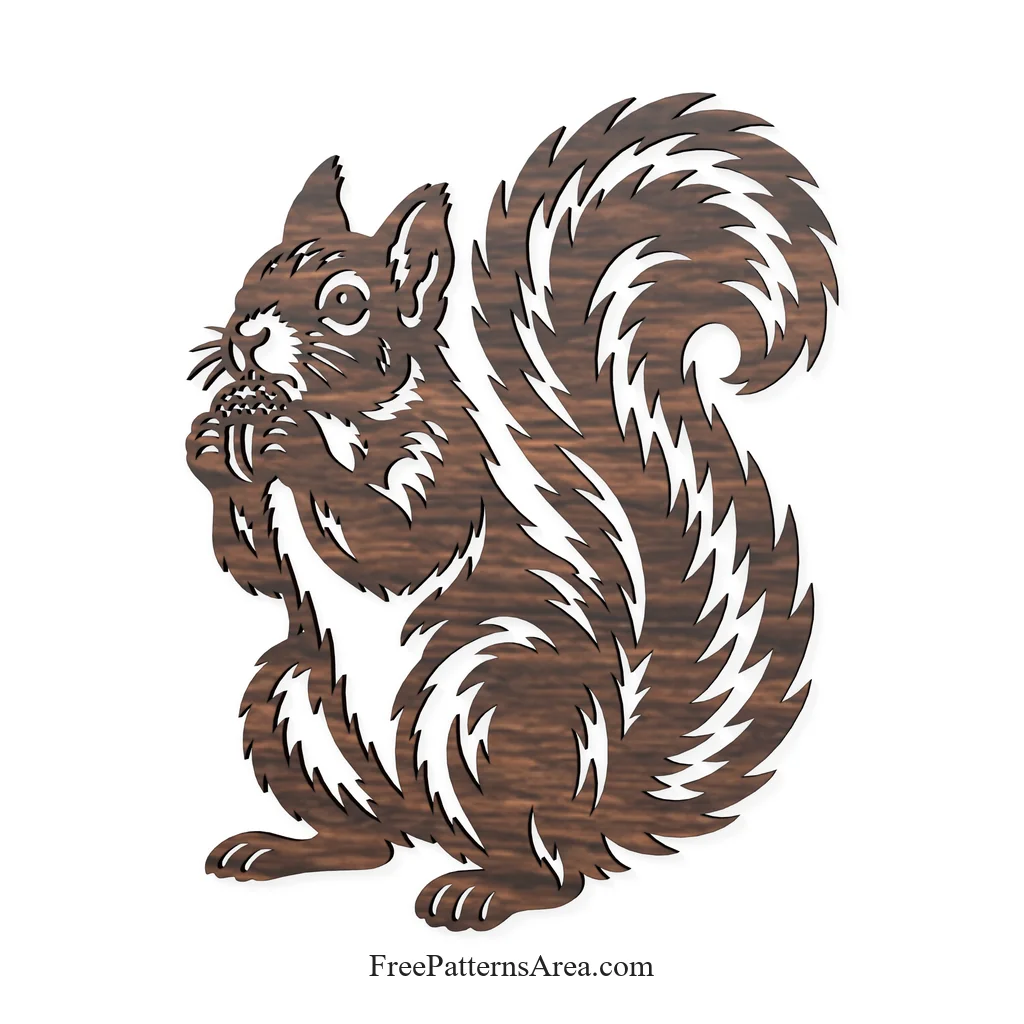
Turned into a thin, flat plate, this squirrel keeps everything that makes its silhouette work: the spiral tail, the flame-like fur and the acorn held up to its mouth, with every light strip of fur cut right through the body. The free squirrel STL and STEP files give you that shape as a 2.7 mm thick 3D model, the STL for 3D printing and the STEP for editing and combining in CAD.
I see this version as a small autumn ornament you can hold in your hand. When the printed squirrel leans against a window or sits on a shelf in front of a lamp, the light passes through all 51 openings and draws the fur on the surface behind it. A wood-fill or a warm orange filament suits the season, and a dark brown print looks close to the carved wooden panels from the cut-file versions.
Printing the Squirrel STL
The STL is a binary mesh with 19,180 triangles. It is watertight and forms one single body, so a slicer reads it as one solid part. The model measures about 137.5 × 170 × 2.7 mm, lies flat on its back, and needs no supports, because every opening runs straight through the plate.
At this size, the squirrel fits comfortably on the bed of any common 3D printer. The thinnest walls, around the nose, the whiskers and the acorn, are about 0.6 mm wide, and the variable-width wall setting in current slicers prints them as single lines with a standard 0.4 mm nozzle. If you want the face and the whiskers even crisper, a 0.2 mm nozzle brings out the finest strips of fur.
Editing the Squirrel STEP Model in CAD
The STEP file uses the AP214 standard and contains one closed solid body. Unlike the triangle mesh of the STL, the solid keeps its edges and faces as exact geometry, so in a CAD program you can measure it, change its thickness or place it into a larger assembly.
A useful way to work with it is to build a relief sign. First, sketch a backing plate under the squirrel, for example a rectangle or an oval about 3 mm thick. Next, place the squirrel on top of the plate, and then join the two bodies with a union operation. The result is a single plaque with the squirrel standing out from its background. If you print that plaque and change the filament at the height where the squirrel begins, the animal and the plate come out in two different colors.
Download the Free Squirrel STL and STEP 3D Files
The download contains two 3D files of the same flat squirrel model.
- STL: binary mesh, 19,180 triangles, watertight, one body
- STEP: AP214, one closed solid body
- Size: about 137.5 × 170 × 2.7 mm
- Openings: 51, all running through the plate
Download the squirrel files, then open the STL in your slicer and set the scale, or open the STEP in your CAD program and add the backing plate for a relief sign.
Looking for other formats of this design? Our full collection includes SVG, PDF, DXF, DWG, CDR and PNG files. You can access them all on the main collection page.
License and Usage
These files are licensed under CC BY-NC-SA 4.0 for strictly personal, non-commercial use.
You are free to download, cut, and modify these designs for your personal projects. However, you may not sell the digital files or any physical products manufactured from them. If you share a modified version of this design, you must credit FreePatternsArea and distribute it under this exact same license.
Unauthorized redistribution, reproduction, or commercial exploitation of these files is a violation of intellectual property rights and may result in legal action.