
Most professionals who work with DXF or DWG files eventually run into the same wall with browser-based tools. You might experience geometry that imports slightly off, layers that collapse, or a session that times out mid-job. This is not a criticism worth dwelling on because browser tools serve a legitimate purpose for quick file previews or simple geometry. However, if your workflow ends at a laser cutter, a CNC router, or a drawing set for a structural engineer, you need something that runs locally, holds its file state, and does not depend on a server.
This guide covers downloadable software only, including free, open-source, or time-limited trials. We tested these against two practical use cases: preparing DXF/SVG files for fabrication and working inside a DWG environment with layered drawings and reusable block libraries. We have split the list accordingly.
| Software | Best For | Main Format | License | OS |
| LibreCAD | 2D technical drafting | DXF | Open Source | Win/Mac/Lin |
| QCAD | 2D layouts (DXF) | DXF (CE) / DWG (Pro) | Open Source (CE) / Pro (Paid) | Win/Mac/Lin |
| Inkscape | Vector editing, SVG cleanup | SVG (DXF export) | Open Source | Win/Mac/Lin |
| Solid Edge 2D | Professional 2D drafting | DWG, DXF | Free (Registration required) | Windows |
| BricsCAD | AutoCAD-compatible DWG | DWG | 30-day Trial | Win/Mac/Lin |
| DraftSight | DWG editing | DWG | 30-day Trial (Paid after) | Win/Mac |
| nanoCAD | Classic DWG interface | DWG | Free version (Limited) | Windows |
| GstarCAD | AutoCAD alternative | DWG | 30-day Trial | Win/Mac/Linux |
Open-Source 2D CAD for Laser Cutting & CNC (DXF/SVG)
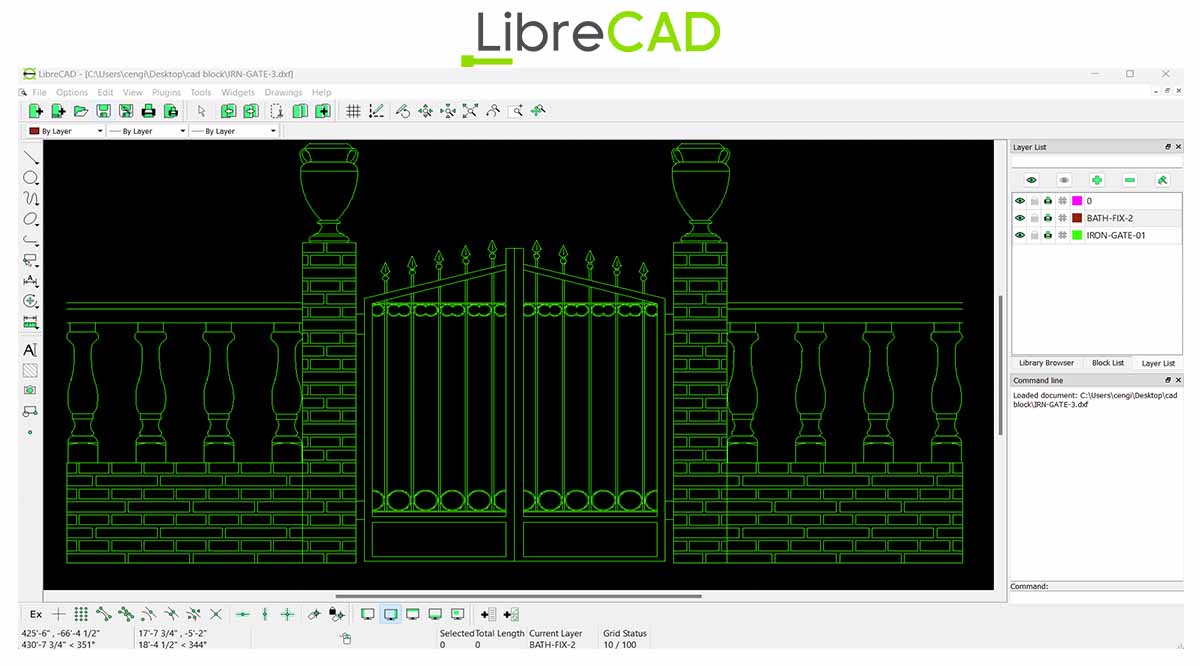
LibreCAD’s scope is intentionally narrow. It focuses on 2D drafting with DXF in and out operations and nothing else. That constraint is actually useful because no 3D features means no interface overhead. The snapping tools and layer management work exactly as expected for mechanical parts, geometric patterns, and cut-ready layouts. It has no CAM functionality, so toolpath generation stays outside its scope. For workflows where the end product is a clean DXF file sent directly to a laser or plasma controller, it handles that job without complications.
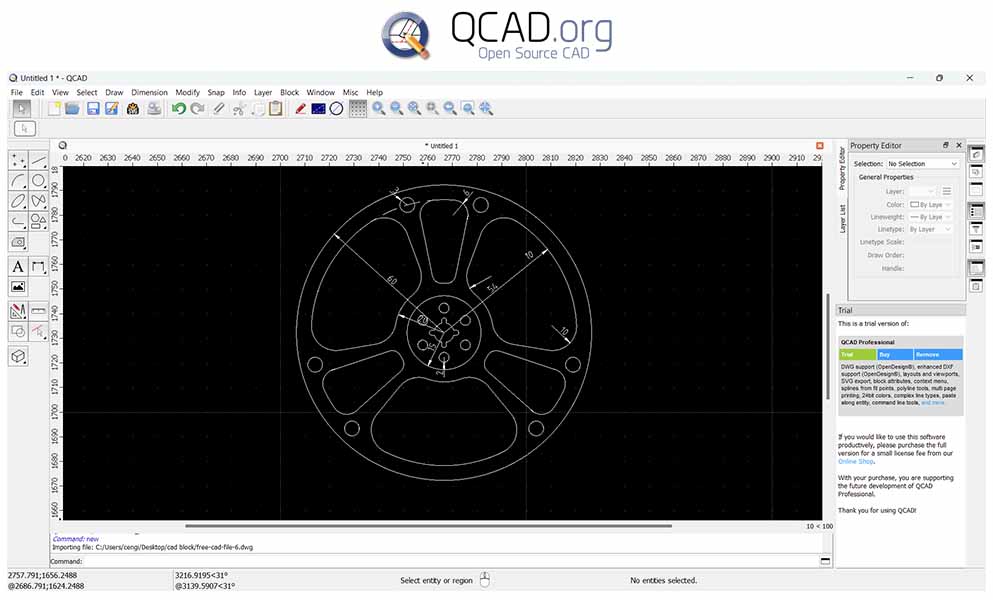
QCAD Community Edition works exclusively with the DXF format. If your workflow is DXF-based for technical layouts, part drawings, or CNC-ready geometry, the free version handles this well. Important: Native DWG support requires the paid Professional edition. This is worth noting if your files come from AutoCAD-based workflows.

Inkscape is a vector editor and not a CAD program. It has no native dimensioning, no DWG support, and no snapping to tolerances. What it does well is node-level SVG editing and geometry cleanup before a file goes into a CAM workflow. For laser cutting specifically, the Hatch Fill extension is worth knowing because it lets you define fill patterns that cut rather than engrave.
Note on DXF export: Inkscape converts Bezier curves into approximated straight-line segments instead of true splines. For simple geometry, this is fine. For complex curves, you should check the output in a toolpath generator or run it through LibreCAD or QCAD for a geometry check before sending it to the machine.
Desktop DWG Editors (Free Tiers and Trials)
The three tools above cover fabrication-side workflows such as preparing geometry, cleaning vectors, and exporting to a cutter. If that is where your file lifecycle ends, they are sufficient and cost nothing. The next category is a different environment entirely. DWG-based drafting involving floor plans with xref overlays and nested block libraries requires software built around that file format from the ground up.
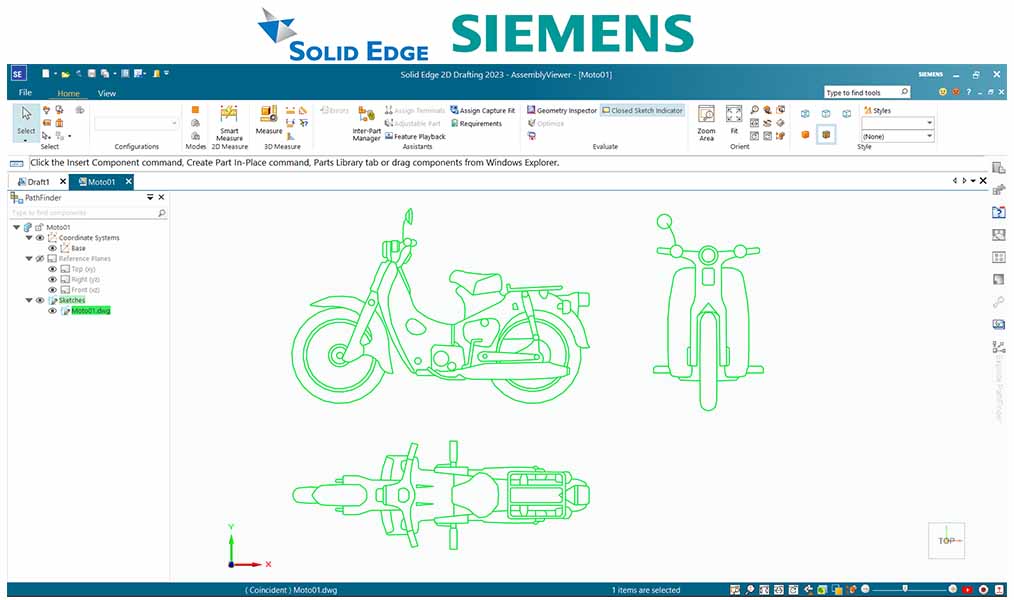
Siemens offers Solid Edge 2D Drafting as a genuinely free Windows download, though registration is required. It handles AutoCAD-style layouts and includes a full set of dimensioning and annotation tools. For architects working with standard DWG blocks, it is a highly capable zero-cost option provided you use the Windows platform.

BricsCAD offers native DWG support and is one of the closest AutoCAD replacements available. The command-line workflow and core commands carry over directly. The main adjustment for experienced users is the workspace layout, which usually takes a day or two to reconfigure to your preference. For complex DWG files, it is solid and well-tested in production environments.
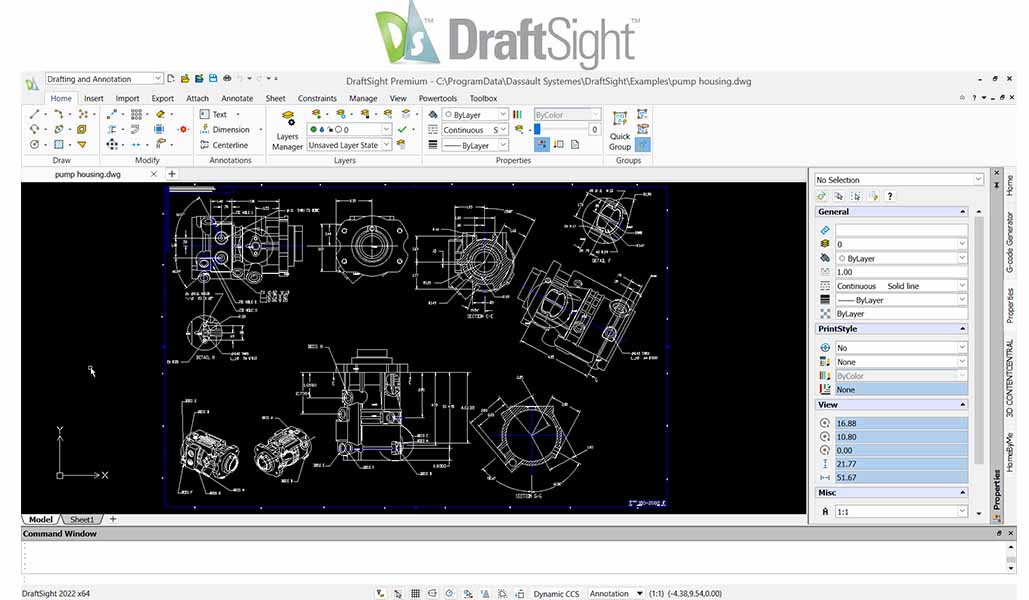
DraftSight Professional 2D CAD Drafting and DWG Editing
DraftSight is no longer free because the free version ended in 2019. However, the 30-day trial remains a capable tool for managing intricate layers and detailed annotations. If you need a professional suite for short-term DWG editing or batch printing, it is still a highly functional temporary solution.

nanoCAD’s interface keeps the classic AutoCAD-style command line intact. While the free tier has historically allowed DWG editing without a subscription, be aware that it often trails the paid versions by several generations. This means files saved in DWG 2018 format or later may not open cleanly or could lose object properties. For basic block editing on legacy files, it remains an option, but you should test your files before committing.

GstarCAD is a commercial AutoCAD alternative that offers a 30-day trial. It opens DWG files and runs on a familiar interface. It is a reliable option for drafters who need professional-level DWG handling and rapid modifications during a trial period.
How to Choose the Right Software?
One gap worth noting is that none of the tools listed here generate G-code directly. If your workflow goes from DXF to machine control, you will need a separate CAM step. Software like LaserGRBL, LightBurn for laser, or Fusion 360’s CAM module handles that conversion. The tools above produce the geometry while the CAM layer produces the instructions the machine reads.
Once you have picked a program, you can download ready-to-use patterns from our Free Patterns section or browse 3D laser cut projects in our Free Projects library.