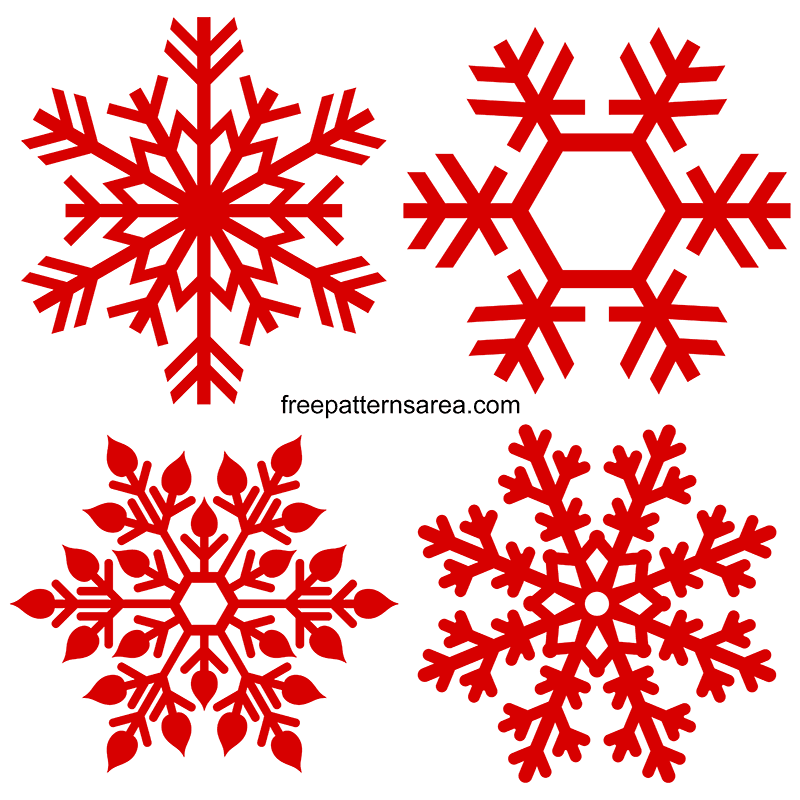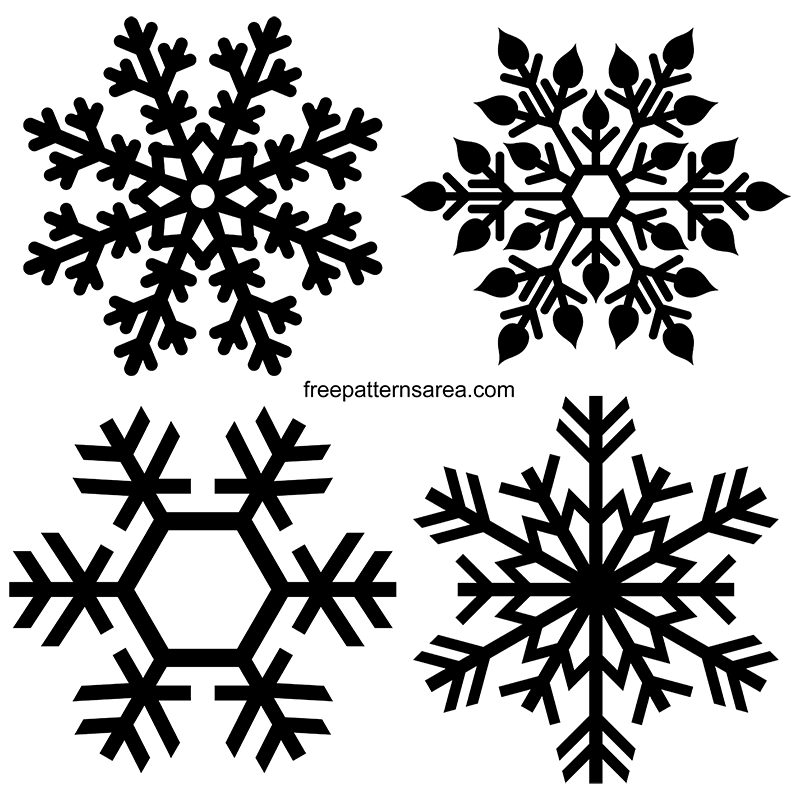
Every snowflake in this set is drawn as one connected piece. There are no loose interior islands, none of the small floating shapes that break away from a design when it is cut, so each snowflake holds together as a single silhouette from its center out to the last branch tip. We built them this way for laser cutting first: a snowflake with detached inner pieces drops those pieces onto the cutting bed, and the design falls apart. Tying every branch, spoke, and inner shape back into the body is the decision that defines these four drawings, and it is what lets the same four snowflakes work as a transparent clipart graphic, a scalable vector, a printable outline, and a cutting file without losing their detail.
The four snowflakes are drawn to sit together as a set rather than as one shape repeated with small changes. The first is a classic six-branch snowflake, its arms lined with paired side spikes and a small ringed center, the most traditional of the group. The second breaks the branches into leaf and petal shapes around a solid hexagon center, the most decorative and the densest to cut. The third is the most open: heavy geometric spokes around a large empty hexagon, the design that reduces and cuts most easily at small sizes. The fourth is a fern-style snowflake, its six arms filled with fine angled needles running to a sharp point, the busiest in line detail. Placing an open design next to a dense one gives you a choice by project rather than four versions of the same idea.
The same four drawings are exported into eight formats, and each file exists to do a different job, so each one is on its own download page:
- SVG: scalable snowflake vectors for craft cutting and vector design work, supplied as four separate files.
- PNG: transparent black snowflake clipart at high resolution, for print layouts, cards, and graphic placement.
- PDF: printable snowflake outline pages, one design per sheet, for tracing, coloring, and hand cutting.
- DXF: connected cutwork geometry for laser cutting and other 2-axis cutting workflows.
- DWG: 2D CAD drawings of the same geometry for AutoCAD placement, hatch, fill, and CAD/CAM layout.
- CDR: editable CorelDRAW snowflake line art for recoloring, outline work, and print preparation.
- STL: flat 3 mm extruded snowflake meshes for 3D printing or mesh-based model use.
- STEP: matching CAD solids of the same flat snowflakes for measuring, modeling, and CAD use.
One detail is worth knowing before you download. The SVG artwork is drawn in a red tone and the PNG version is solid black. That difference is on purpose: we keep the SVG and PNG in different colors across our files so the two are easy to tell apart when you have both open, and neither color is fixed to your final work. The SVG and CDR vector artwork can be recolored freely, and the black PNG is a single-color graphic you place as-is. Each snowflake is around 24 cm across its longest outer span in the vector source, but since the SVG, DXF, DWG, CDR, and STEP are all scalable, that is a starting reference rather than a production size. You scale each design to your own material and machine. The two sizes that are fixed and worth checking are the PDF, which prints as A4, and the PNG, which is a large 10,000 pixel image.
These snowflakes suit winter and Christmas work most naturally: window and wall decorations, ornaments, gift tags, card fronts, stencil-style painting, laser-cut wood or acrylic pieces, and printable craft sheets for the season. The connected drawing is what makes the seasonal cutting projects practical, because the fine branch detail stays part of the snowflake instead of dropping away when you cut it small.
Download These Free Snowflake Vector Images and Cut Files
All four snowflake designs are free to download, with each format on its own page so you can go straight to the file your project needs. Choose your snowflake, open it in the software for that format, and check the scale before you cut, print, or model it.
Choose a file format to download